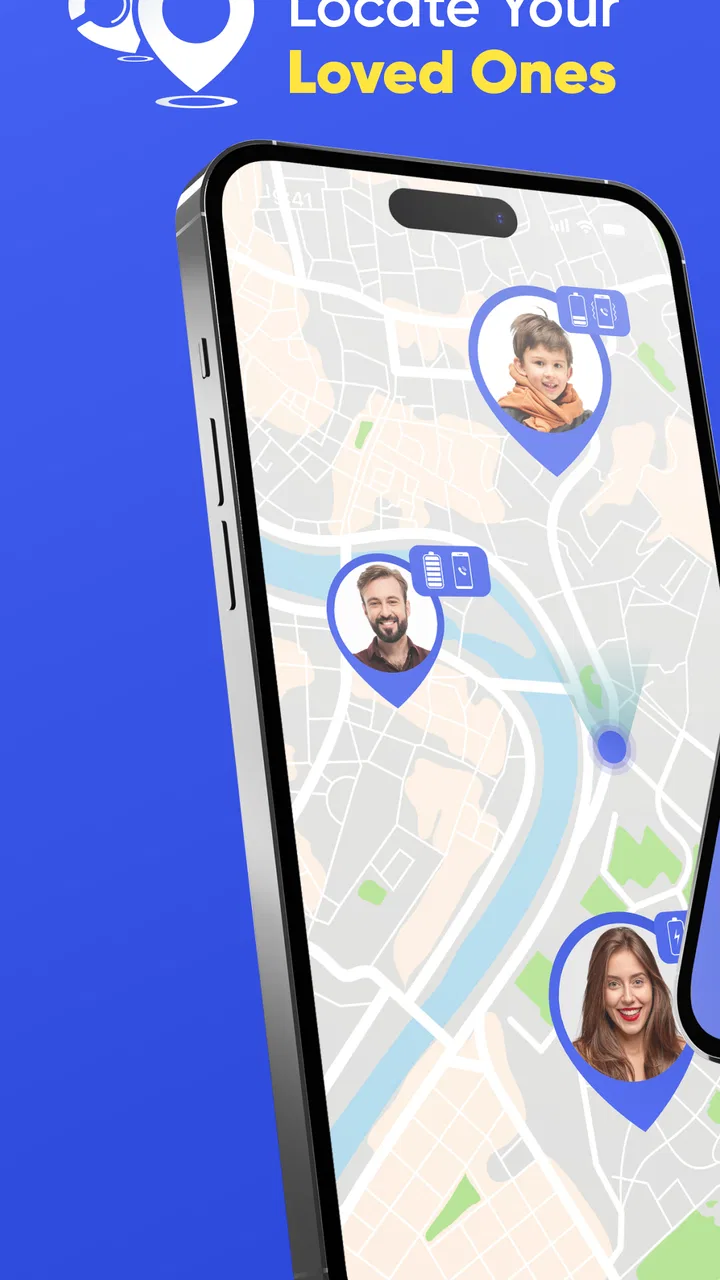
GPS Phone Location Tracker
- 4.3
- Rating
- 5.00M
- Installs
- Free
- Price

 Analysis by App-foxy
I approached GPS Phone Location Tracker as a practical family-location app rather than as a full replacement for a dedicated navigation service. It sits in the Maps & Navigation category, comes from ReiDxSoft, and is built around checking a phone’s position when you need reassurance about where someone is. That makes it potentially useful in ordinary family routines, but it also means the quality of the experience depends heavily on how clearly everyone understands the tracking arrangement.
The app is free to install, with optional in-app purchases ranging from $4.49 to $26.99 per item. That distinction matters: you can try the basic experience without paying upfront, while the paid options represent a separate decision rather than a requirement I would assume every user needs. I would treat the free access as a chance to test whether the location workflow fits your family before spending anything.
How GPS Phone Location Tracker fits into everyday location sharing
When I think about where GPS Phone Location Tracker fits, the key question is whether a dedicated check is simpler than sending another message or sharing a one-off pin. I’d use that distinction to decide how the app should sit alongside the maps and family tools already on your phones. It also sets up a closer look at what its current version can—and cannot—tell you about its development.
You May Also Like

 Blood Strike: 2.5 Anniversary
Blood Strike’s Loadouts Turn Every Drop Into a Tactical Gamble
A close look at Blood Strike’s custom loadouts: how fast access to signature weapons reshapes its battle royale rhythm, rewards preparation, and narrows the gap between fights.

 Pandora - Music & Podcasts
Pandora’s Music Is Easy to Start, but Harder to Recover
Pandora’s strength is its low-effort path from a seed to a station. Its weak spot is how much confidence it asks you to place in connection, setup, and quiet recovery.

 8 Ball Pool
 Is Built on Rivalries, Rematches, and Routine
A close look at the rivalries, rematches, shared routines, and unanswered safety questions that turn a quick pool match into a persistent mobile community.

 Samsung Music
’s Quiet Strength Is Playing What You Already Own
Its reach comes less from spectacle than from dependable access to a personal library. That simplicity is both the app’s strongest retention engine and its ceiling.

 AccuWeather: Weather Radar
AccuWeather Review: A Quick, Clear Forecast for Everyday Decisions
For everyday plans, the best forecast is the one you can understand quickly. AccuWeather makes rain timing, radar, and local conditions easy to act on, with a few trade-offs.

 Hill Climb Racing
Why Hill Climb Racing Still Turns Crashes Into One More Run
A tiny car, a bumpy hill and one more upgrade: Hill Climb Racing keeps resurfacing because its simple chaos makes every near-miss feel personal.
More From Our News Desk



A straightforward idea with a sensitive use case
The central appeal is easy to understand. A parent may want to check whether a child has arrived at school, a partner may want reassurance during a long journey, or relatives may need a simple way to coordinate when meeting in a busy area. In those moments, a location tracker can remove several messages from a conversation and replace them with one quick check.
What I like about this type of app is that it addresses a very specific question: where is the phone connected to the tracking setup? That is more focused than opening a general map and trying to share a pin manually. The app’s store summary also positions it as a family locator and mentions finding a child’s location by phone number, so its intended audience is clearly people coordinating with close contacts rather than drivers looking for turn-by-turn directions.
That focus is important when deciding whether it belongs on your phone. If your main need is route planning, public transport information, hiking trails, or discovering nearby businesses, a conventional maps app will usually be the better tool. GPS Phone Location Tracker makes more sense when the location of another person is the main thing you want to check.
What the free starting point means
There is no purchase price to get started, which lowers the barrier for a family that wants to experiment. I would still avoid treating “free” as a promise that every useful capability is included indefinitely. The presence of optional purchases means the app has a paid layer, and the sensible approach is to explore the no-cost experience first, then decide whether the extra value is clear enough to justify spending.
The listed purchase range begins at $4.49 and reaches $26.99 per item. Those are the concrete price points I would use when budgeting, but I would not assume that the most expensive option is automatically the best choice. For a simple check-in routine, paying for a larger package may be unnecessary. A household that uses location sharing frequently may judge the value differently, especially if the paid option removes a limitation that repeatedly interrupts its routine.
My advice is to evaluate the app by the problem it solves, not by the number of tracking tools it appears to offer. If it saves time and reduces avoidable worry during daily travel, even a modest purchase can feel worthwhile. If it only duplicates a location-sharing feature you already use successfully elsewhere, keeping the free version—or skipping it—makes more sense.
Testing it without creating confusion
Before relying on the app for a real journey, I would set it up with the people who are meant to participate and agree on a simple routine. Decide who checks the location, when a check is appropriate, and what everyone should do if the displayed position seems old or unexpected. This is not just a technical precaution; it prevents a family member from assuming that a map position is a live guarantee.
A useful trial is a short trip that already has a known destination. One person leaves, the other checks the app at an agreed time, and both compare the result with reality. That exercise reveals whether the interface is understandable and whether the family can interpret the result without repeatedly calling each other. It also makes clear that a location app is a communication aid, not a substitute for a phone call when something genuinely seems wrong.
Everyday scenario: the after-school journey
Imagine a child leaving school and traveling to a relative’s home. Instead of sending several “Where are you?” messages, the parent can use the tracker as one part of the routine: check around the expected arrival window, then contact the child directly if the situation does not make sense. The relative can also know when to prepare for arrival without demanding constant updates.
The non-obvious benefit here is not simply seeing a dot on a map. It is creating a calmer handoff between adults. The location check can answer the routine question while preserving a direct call for exceptions. That workflow works best when the family agrees that an unexpected position is a reason to verify, not an invitation to jump to conclusions.
Useful habits that improve the experience
First, use recognizable contact names and keep the tracking group limited to people who genuinely need the information. A crowded list makes a simple family check harder to interpret and increases the chance of selecting the wrong person. Second, establish a time window rather than watching continuously. Checking at agreed moments is less distracting and encourages healthier expectations around privacy.
Third, treat the phone as the tracked object, not as a perfect representation of a person. Someone can leave a phone in a bag, lend it to another person, or walk away from it. A map result can therefore be useful context without being definitive proof of someone’s whereabouts. This is one of the most important trade-offs in any phone-based locator, and it is especially relevant when the app is being used with children or vulnerable relatives.
Finally, make sure every participant understands the arrangement. A family locator should be used openly and consensually, with a shared explanation of why it is being used. I would skip any setup based on secretly monitoring another person. That creates a trust problem even if the technical result appears accurate.
How it compares with familiar alternatives
Most smartphone users already have access to some form of map-based location sharing through a general maps service or a built-in family feature. Those alternatives may be preferable if your household already has an established account system, knows the interface, and does not want another app to manage. They can also be a better fit when location sharing is only an occasional part of a broader mapping routine.
GPS Phone Location Tracker has a clearer appeal when you want a dedicated place for tracking rather than mixing that task with directions, saved places, traffic, or business searches. The narrower purpose can make the idea easier to explain to a relative who does not need a full navigation app. On the other hand, adding a separate tool introduces another setup process and another place to remember when troubleshooting.
I would choose the dedicated tracker when the family’s priority is a focused location workflow and the participants are comfortable with it. I would stay with an existing alternative when everyone already shares locations reliably and the extra app would not solve a real inconvenience. The right choice is less about which app has the longest feature list and more about which arrangement people will actually use consistently.
Who is likely to get real value?
This app is a good candidate for parents who want a quick way to coordinate school runs, sports practices, visits, or independent travel. It may also help couples and relatives who regularly meet across town and want a shared reference point before calling. The Everyone content rating makes it suitable for a broad audience in terms of store classification, although adults should still make the privacy and consent decisions for their household.
It is also worth considering for people who find manual pin sharing too cumbersome. Sending a one-time location can be perfect for a single meeting, but it does not always suit a recurring routine. A dedicated tracker may feel more natural when the same people need to check locations repeatedly and the purpose stays consistent.
I would be more cautious for users who need professional-grade fleet management, detailed travel history, emergency response tools, or navigation guidance. Nothing about the app’s basic positioning makes it the obvious choice for those specialized jobs. A family locator can be useful without being a complete safety platform, and choosing a tool beyond its intended role can create dangerous overconfidence.
Where the trade-offs become noticeable
The first trade-off is trust. Location sharing can reduce uncertainty, but it can also encourage someone to check too often or interpret every movement emotionally. A healthy setup needs boundaries. Agreeing on check-in times and using direct conversation for unusual situations keeps the app from becoming a source of constant surveillance.
The second is interpretation. A location marker is not the same as a conversation, and it does not explain why a person is somewhere. A delayed or surprising position should lead to a call or message, not an accusation. This is particularly important when a child’s route changes because of a school activity, a friend’s invitation, or a transport issue.
The third is value after the initial trial. Free installation is useful, but optional purchases mean some users may eventually face a choice about paying. I would only buy after identifying a repeated limitation in your own routine. If you cannot name the inconvenience the purchase would fix, keep using the no-cost access or compare the app with a service your family already has.
There is also a practical learning curve whenever several people must participate. The person being located needs to understand the arrangement, while the person checking needs to know how to read the result responsibly. A technically simple app can still fail as a family tool if one participant does not know what is expected.
Compatibility and the practical setup decision
The current version is 5.3, and the listed minimum operating system is Android 7.0. That makes the app relevant to many older Android phones as well as newer devices, which is useful in families where not everyone upgrades at the same time. Before making it part of a safety routine, I would still test it on every participating phone rather than assuming that compatibility on paper guarantees an equally comfortable experience.
The developer is ReiDxSoft, and the app has reached over five million installs with an average rating of 4.2 from around five hundred sixty-three thousand ratings. Those figures suggest that the concept has attracted a substantial audience, but popularity should not replace a household trial. A tracker succeeds only when it works for the specific people, phones, and routines involved.
I would also make the setup decision collectively. Explain what the app is for, who can view a location, and when checks will happen. If a family member is uncomfortable, forcing the issue is likely to undermine the very trust the app is supposed to support. In that situation, a voluntary check-in message may be a better compromise than location tracking.
My final recommendation
GPS Phone Location Tracker is worth trying if you want a focused family-location tool and you are willing to establish clear expectations around consent, timing, and interpretation. Its free entry point makes experimentation easy, while the optional purchases give frequent users a way to consider additional value without committing immediately. I appreciate that the app’s purpose is narrower than a general map, because that can make repeated family coordination less cluttered.
I would not recommend installing it simply because the idea of tracking sounds reassuring. The app cannot remove the need for communication, and a map position should never be treated as an unquestionable account of a person’s situation. Families that already use a reliable built-in sharing option may gain little from changing systems, while users looking for navigation or advanced professional monitoring should choose a more specialized alternative.
For the right household, the best use is modest and practical: agree on a routine, test it on a normal trip, use the location as context, and call when context is not enough. If that approach saves repeated messages and helps people coordinate without creating pressure, the free version is a sensible starting point. If it does not improve an actual daily problem, I would skip the paid layer and move on rather than paying for tracking that nobody truly needs.
FAQs for GPS Phone Location Tracker
01How accurate is the GPS Phone Location Tracker?
The GPS Phone Location Tracker provides highly accurate location tracking, often pinpointing the device within a few meters. It utilizes advanced GPS technology alongside Wi-Fi and cellular data to ensure precise tracking. However, accuracy can vary based on environmental conditions, such as being indoors or in areas with poor satellite signals.
02Is my location data safe with the GPS Phone Location Tracker?
Yes, the GPS Phone Location Tracker prioritizes user privacy and data security. It employs end-to-end encryption to ensure that your location data is secure and only accessible by authorized users. Regular updates and compliance with privacy regulations further enhance data protection.
03Can I track multiple devices with the GPS Phone Location Tracker?
Absolutely. The GPS Phone Location Tracker allows you to monitor multiple devices simultaneously. This is particularly useful for families or businesses who need to keep track of several devices. Each device can be managed individually, with customized settings for alerts and notifications.
04Does the GPS Phone Location Tracker work without an internet connection?
While an internet connection enhances the app's accuracy and functionality, the GPS Phone Location Tracker can still function using GPS signals alone. However, features like real-time tracking and notifications may be limited without a stable internet connection. It's recommended to have some form of connectivity for optimal performance.
05What are the subscription options for the GPS Phone Location Tracker?
The GPS Phone Location Tracker offers various subscription plans tailored to different user needs. Options typically include monthly, quarterly, and annual plans, each with its own set of features and benefits. Users can choose a plan based on their budget and requirements, with some plans offering a free trial period.
Pros
- Accurate real-time location updates.
- User-friendly interface for easy navigation.
- Low battery consumption during use.
- Supports location sharing with friends.
- Works offline with cached maps.
Cons
- Requires constant internet connection.
- Limited features in free version.
- Occasional ads disrupt usage.
- Privacy concerns with data sharing.
- Some features need manual setup.

GPS Phone Location Tracker
Gallery